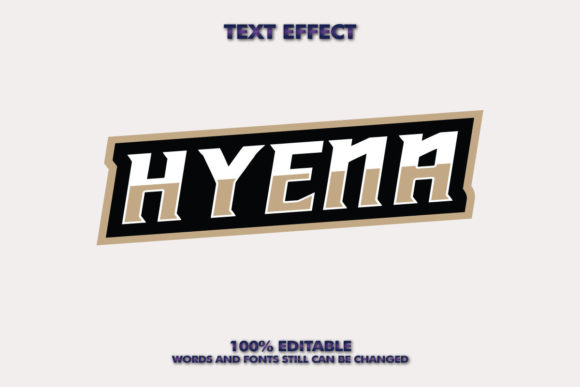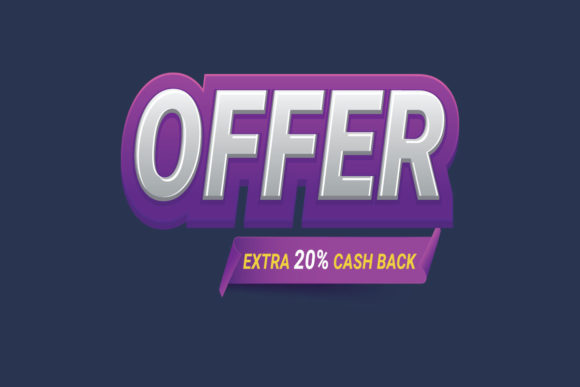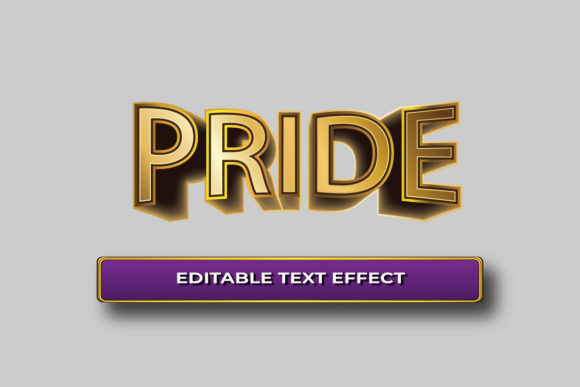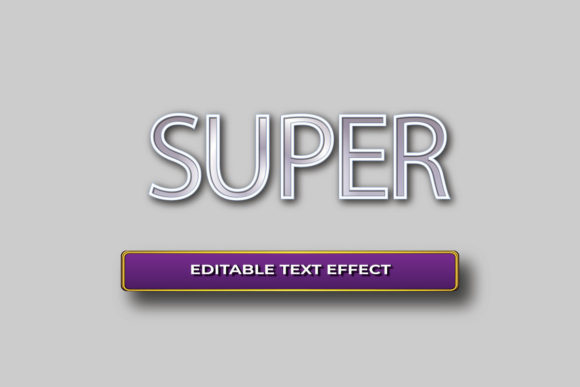
Creative Paper Text Effect for Striking 3D Typography
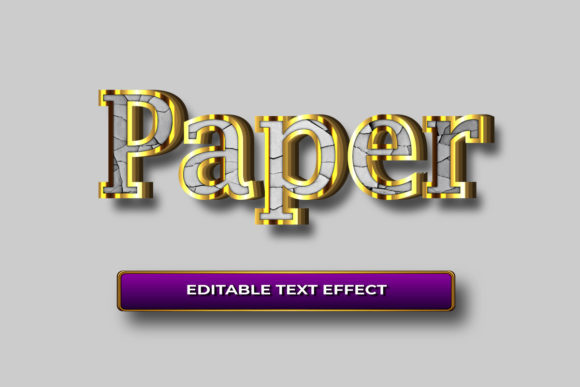
When it comes to making your designs pop, the Creative Paper Text Effect offers a fresh and elegant solution. This technique transforms simple text into eye-catching 3D typography by simulating the look of paper textures, folds, and shadows. The result is a clean, artistic effect that’s perfect for those who want to stand out without overwhelming their audience with complexity.
What Makes Creative Paper Text Effect Unique?
The Creative Paper Text Effect blends simplicity with sophistication. Unlike many flashy 3D fonts that rely on excessive lighting or gradients, this design uses subtle layering and realistic paper-like elements to create depth. It’s ideal for branding, marketing materials, logos, and even personal projects where you want something professional yet approachable.
This effect is especially popular among designers who value minimalism but still want visual impact. The use of soft shadows and crisp edges mimics real-life paper art, giving your typography a tactile feel that digital text often lacks.
Why Choose a Simple Professional 3D Font Design?
A simple professional 3D font design is more than just visually appealing—it's versatile. Whether you're creating a website header, product packaging, or social media graphics, a clean 3D text style can adapt to different needs while maintaining a high level of professionalism. It avoids clutter and keeps the focus on the message, which is crucial in today’s fast-paced digital world.
With options like Elephant and Copperplate Gothic Bold, you get classic typefaces enhanced with modern 3D techniques. These fonts are bold enough to make an impression but refined enough to suit business environments.
Key Features That Make It Stand Out
- Fully Layered AI EPS Files: Compatible with Adobe Illustrator CS6 and CC, these files offer full control over every element of your design.
- Fully Customizable and Editable: You’re not stuck with pre-set styles. Adjust colors, shapes, and positioning effortlessly to match your vision.
- CMYK and RGB Settings: Whether you're preparing for print or digital display, the file includes all necessary color profiles for accurate rendering.
- 300 DPI High Resolution: Ensures sharp and clear output, essential for both online and offline presentations.
- 1200 x 800 Dimensions: A standard size that works well across various platforms and applications.
- Print Ready Format: No need to worry about scaling or resolution issues when printing—this design is built for quality output.
Beginner-Friendly Flexibility
One of the best parts of using the Creative Paper Text Effect is how easy it is to modify. Every text layer can be changed with just one click, allowing you to experiment with different phrases, fonts, or themes without starting from scratch. Plus, since all objects are made from vector shapes, you can resize them as needed without any loss in quality. This makes it an excellent tool for beginners who want to explore 3D design without needing advanced skills.
Real-World Applications and Use Cases
Here are some practical scenarios where the Creative Paper Text Effect could enhance your work:
- Business Branding: Use it to create memorable logos or taglines for startups, cafes, or fashion brands that want a modern yet classic aesthetic.
- Marketing Materials: From posters to brochures, adding a touch of 3D realism helps grab attention in a crowded marketplace.
- Web and App Design: Incorporate this effect into headers or call-to-action buttons for a clean, engaging interface.
- Personal Projects: Ideal for invitations, greeting cards, or even home decor where a handcrafted feel is desired.
- Education and Presentations: Teachers and students can use it to make project titles or infographics more visually engaging.
Imagine a small boutique using this design on their storefront signage. The 3D paper effect adds a creative flair that stands out without being too loud. Or consider a blog post title enhanced with this style—it draws the reader in with its elegance and clarity.
Color Options to Match Your Style
The Creative Paper Text Effect supports multiple color variations, so you can choose what fits your brand or mood. Whether you prefer warm earth tones for a natural vibe or vibrant hues for energy and excitement, there's a palette that matches your intent. This flexibility ensures your design isn’t just unique, but also expressive.
Important Considerations Before Getting Started
Before diving into the Creative Paper Text Effect, here are a few things to keep in mind:
- Make sure your software (like Adobe Illustrator) is compatible with the AI and EPS file formats included.
- Consider the background you’ll place the design on. Subtle effects may not show up well on busy or dark visuals.
- Test different color combinations to see which ones best reflect your message and audience.
- If you're new to working with layered files, take time to explore the structure and settings to understand how each component interacts.
By planning ahead and understanding these basics, you can maximize the impact of your design and avoid unnecessary revisions later on.
How to Get the Most Out of This Design
To truly leverage the potential of the Creative Paper Text Effect, start by identifying the key message you want to convey. Then, pair it with a suitable font like Elephant or Copperplate Gothic Bold. These fonts are known for their strong presence, and when combined with the 3D paper effect, they become even more compelling.
You might also want to adjust the lighting or shadow intensity depending on whether you're designing for a digital screen or printed material. For web use, lighter shadows may prevent the text from looking too heavy. In contrast, printed materials can handle deeper contrasts for a richer texture.
Support and Customization Help
If you run into any issues while using the Creative Paper Text Effect, don’t hesitate to reach out. Simply send your text request through the designer's profile, and they can assist in customizing the design to fit your specific needs. This kind of support is invaluable, especially if you're trying something new or have a tight deadline.
Final Thoughts
In a world where first impressions matter, the Creative Paper Text Effect gives you a powerful way to elevate your typography game. Its combination of simplicity, customization, and high-quality formatting makes it a go-to choice for professionals and hobbyists alike. With the right tools and a bit of creativity, you can turn basic text into a standout visual element that speaks volumes about your brand or message.
Whether you're designing for a business launch, a school project, or just for fun, this effect brings a unique charm that’s hard to ignore. And with the added bonus of being fully editable and scalable, it's a smart investment for anyone looking to grow their design capabilities.